
When searching for passport photo sizes, many people find 2x3, 3x4, and 4x6 in centimeters, but then get confused when photos need to be pixelated or meet specific file size limits. These three sizes are commonly used as passport photo sizes for various administrative purposes. If the issue isn't the dimensions but the file size, you can use a 200kb JPG compression to reduce the photo file size.
It's important to note that the size in cm or mm indicates the physical size of the photo, while pixels indicate the dimensions of the digital image. Therefore, a single physical size can have multiple pixel sizes depending on the DPI used.
Passport Photo Size 2×3, 3×4, and 4×6 in cm and mm
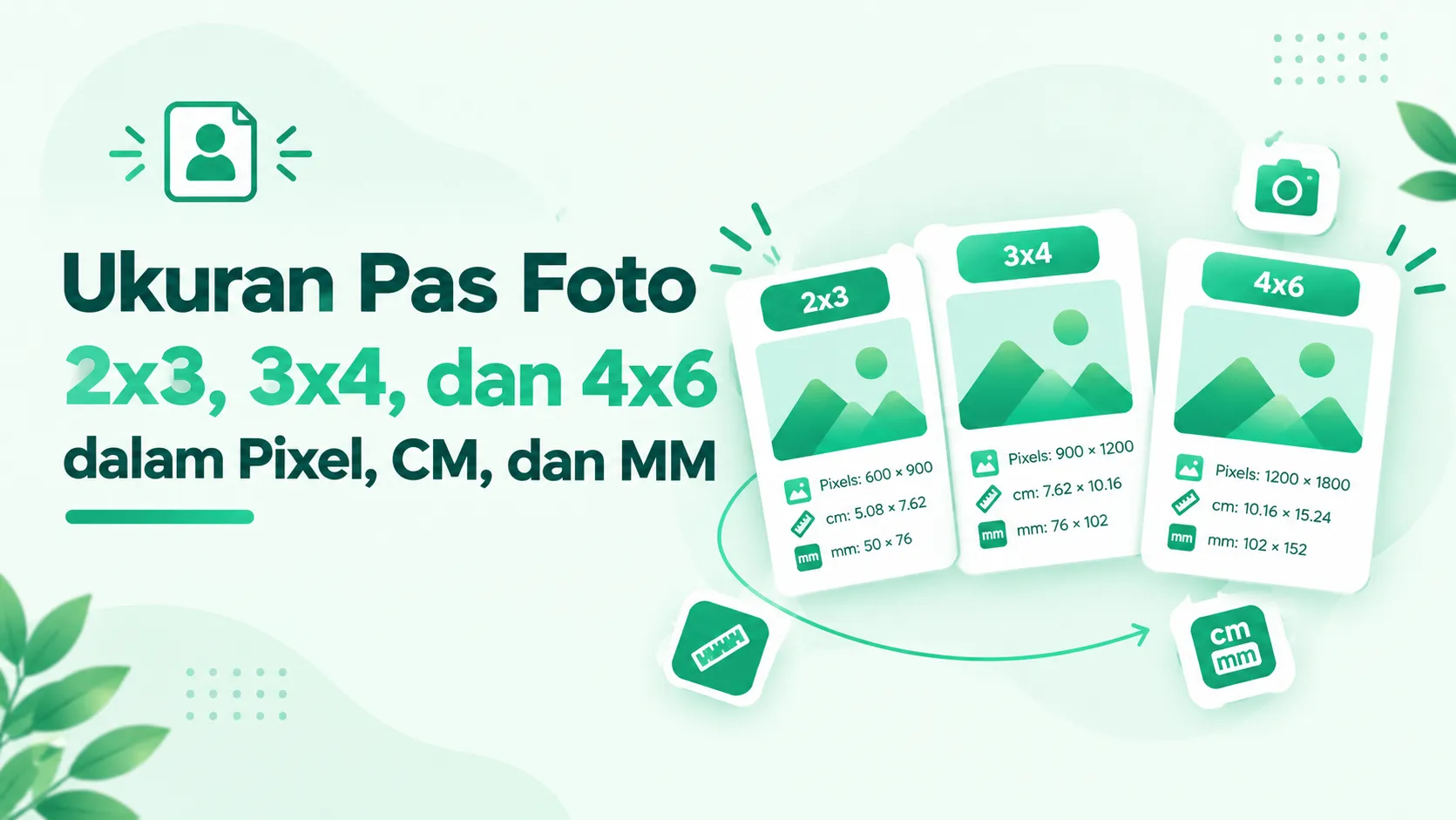
For general use, Passport Photo Sizes 2×3, 3×4, and 4×6 can be understood as the following nominal sizes:
- 2×3 cm = 20×30 mm
- 3×4 cm = 30×40 mm
- 4×6 cm = 40×60 mm
This number represents the width x height of the photo. So, a 3x4 passport photo is 3 cm wide and 4 cm high.
However, studio prints don't always have the exact same physical size down to the millimeter. Some studios use slightly different cut sizes or leave a specific border. Therefore, if an agency has provided a specific physical size, use that instead of relying solely on the labels 2x3, 3x4, or 4x6. Indonesian references for passport photo sizes also indicate a variation of several millimeters in printed results.
Passport Photo Size 2×3, 3×4, and 4×6 in Pixels
To calculate the passport photo size in pixels, you need to know the DPI. Using a 300 DPI standard, the nominal size is approximately:
- 2×3 cm → 236×354 pixels
- 3×4 cm → 354×472 pixels
- 4×6 cm → 472×709 pixels
The calculation uses the relationship between physical size, inches, and DPI. The simple formula is:
Pixels = size in mm ÷ 25.4 × DPI
For example, a 3×4 passport photo is 30 mm wide. At 300 DPI, 30 ÷ 25.4 × 300 yields approximately 354 pixels.
So, when someone is looking for Passport Photo Size, the pixel count shouldn't be considered a fixed number separate from the physical size. Changing the DPI can change the pixel conversion result.
Why is DPI Important for Photo Size?
DPI is often confusing because one photo can be called 3×4 cm but have different pixel dimensions.
For printing purposes, DPI refers to the density of dots on a physical product. Meanwhile, for online uploads, portals typically focus more on pixel dimensions, file formats, and system-defined file size limits.
This means don't just look at the DPI number when preparing digital photos. If the form requests a specific pixel size or a maximum KB limit, for example, those requirements should be prioritized.
Difference between 4×6 cm and 4R sizes
Another common mistake is assuming 4×6 cm is the same as 4R. They are different.
A 4x6 passport photo measures approximately 4x6 centimeters. A 4R photo is a print size based on inches, which is approximately 4x6 inches or 10.2x15.2 cm.
So, while both use the 4x6 format, one uses centimeters and the other inches. Misunderstanding these units can result in printouts much larger than desired. 4R is also a photo paper size, not the 4x6 cm passport photo size.
Crop, Resize, and Compress Are Not the Same Thing
Knowing the passport photo size isn't enough if you're going to upload your photo online. You also need to differentiate between three processes that are often considered the same.
- Crop is used to define parts of a photo and adjust the ratio. 2x3 and 4x6 passport photos have a 2:3 ratio, while 3x4 photos have a 3:4 ratio.
- Resizing is used to change pixel dimensions. For example, a very large photo can be reduced to more suitable dimensions.
- Compression is used to reduce file size in KB or MB. The pixel dimensions don't always have to change when a photo is compressed.
If you want to understand the difference between file size and image dimensions more clearly, check out the File Size and Image Resolution.
Photo Size Is Correct, but File Is Still Too Large
This is a frequently confusing situation. A photo can have the correct dimensions, but the file size is still large.
For example, a photo can be 354×472 pixels but still have a file size of hundreds of KB due to compression level, image detail, color, format, metadata, and other factors. Therefore, the Passport Photo Size in pixels does not automatically determine the file size in KB.
If a form requires a photo size of up to 200 KB, simply converting a 3x4 cm image to 354x472 pixels won't necessarily solve the problem. The photo may still need to be compressed to meet the file size limit.
How to Prepare Passport Photos for Online Upload
The safest working order is to adjust the photo based on the actual requirements:
- Check the requested size, for example 2×3, 3×4, or 4×6.
- Crop the photo so that the ratio is appropriate and the face does not look stretched or stretched.
- Set the pixel dimensions as needed.
- Make sure the file format is accepted by the portal.
- Check the file size limit in KB or MB.
- Compress photos if the file size is still too large.
- Check the final result before uploading it.
This way, you don't use compression to solve a problem that actually requires resizing, or vice versa.
Important Notes about Passport Photo Size in Indonesia
The term Passport Photo Size is often used generically to refer to passport photo sizes, but 2×3, 3×4, and 4×6 should not be considered a single passport size that applies to all processes.
For Indonesian passport services, official information from the Central Jakarta Immigration Office explains that the passport issuance process includes taking photos and fingerprints at the issuance stage.
Therefore, if a photo is requested for a passport, visa, or specific service, always check the relevant agency's requirements. Don't assume that the passport-sized photo commonly used for administrative documents automatically applies to every type of document.
Common Mistakes When Arranging Passport Photos
A few simple mistakes can result in a photo being rejected or the result being unsatisfactory:
- Thinking cm is the same as pixels.
- Using pixel numbers without regard to DPI or portal requirements.
- Equate 4×6 cm with 4R.
- Resize photos without adjusting the ratio first.
- Compressing too hard just to achieve a very small file size.
- Ignoring KB limits even though photo dimensions are correct.
Frequently Asked Questions
Is the passport size 2×3?
2x3 cm is the passport photo used in Indonesia, but it is not a universally accepted standard passport photo size. Always check the requirements of the relevant authorities.
Is the passport photo size 3×4?
3x4 cm is also a common passport photo size in Indonesia. Whether this size is accepted for passports or other documents depends on the specific requirements
How to make a 4×6 passport photo?
Crop the photo to a suitable 4x6 ratio, resize it to the required dimensions, and check the file size limit. If the JPG file is too large, you can compress it with compress jpg 200 kb.
What is the pixel size of a 3×4 photo?
At 300 DPI, a 3×4 cm photo is nominally approximately 354 × 472 pixels. For online uploads, follow the pixel size requirements specified by the relevant site.
Conclusion
Understanding Passport Photo Size means understanding three different things: physical size in cm or mm, digital dimensions in pixels, and file size in KB or MB.
For nominal reference, 2×3 cm equals 20×30 mm, 3×4 cm equals 30×40 mm, and 4×6 cm equals 40×60 mm. At 300 DPI, these sizes are approximately 236×354, 354×472, and 472×709 pixels, respectively.
However, the correct size isn't just about numbers. For online use, you also need to consider the ratio, pixel dimensions, file format, and file size limits set by the intended use.