
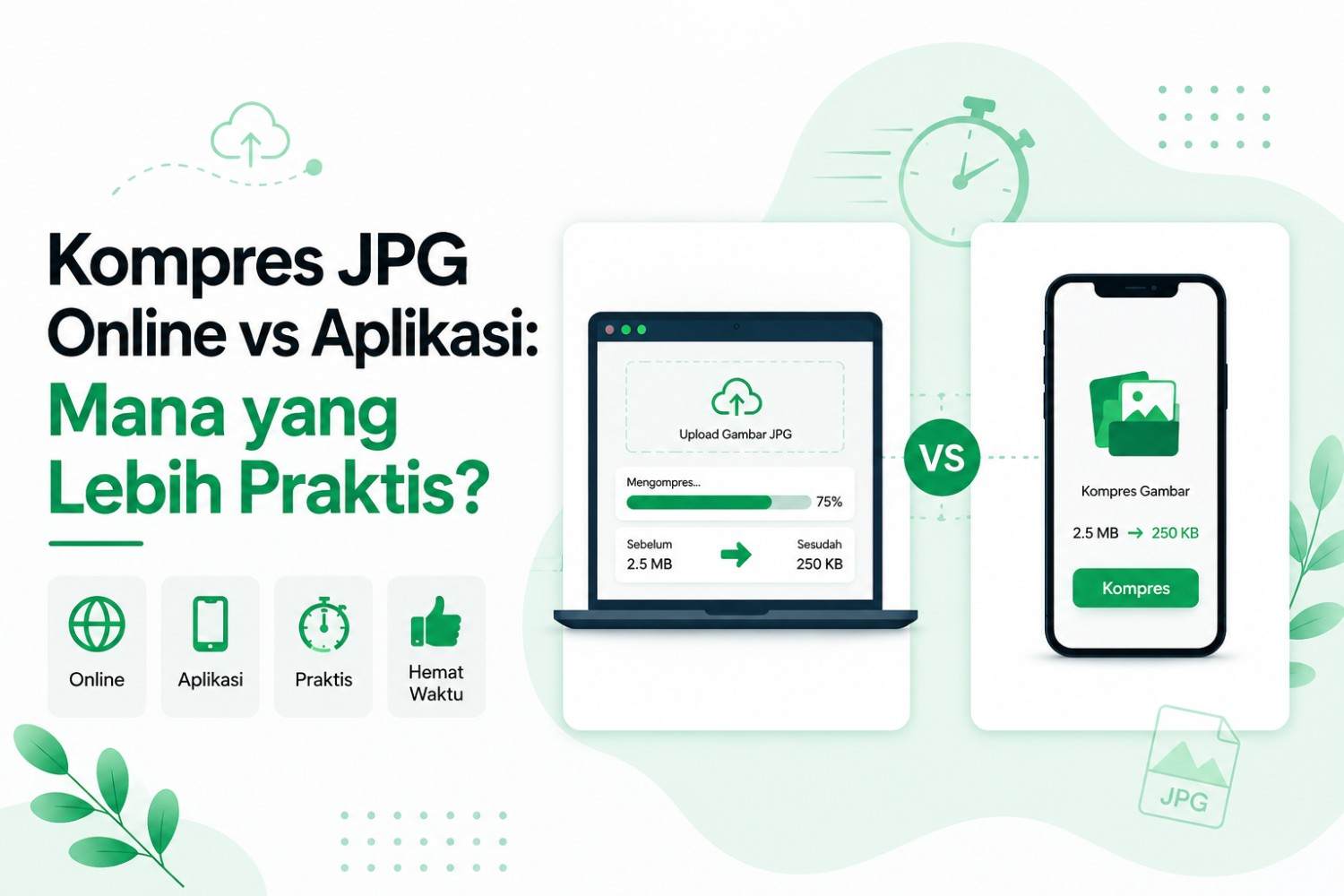
Have you ever encountered a photo that's too large when trying to upload a document, send an image via email, or speed up website loading? Large JPG file sizes can be a real obstacle, especially when you need a quick and convenient process. Therefore, many people seek the best solution through online JPG compression or dedicated applications.
However, the choice between online JPG compression and an app isn't always straightforward. Online tools offer the convenience of no installation required, while apps offer greater control and can be used anytime, anywhere, without an internet connection. So, which is more practical and suitable for your needs?
In this guide, we'll compare online JPG compression vs. apps across several key aspects, including processing speed, compression quality, file privacy, image size limits, ease of use, cost, and real-world applications. By understanding the differences, you can choose the JPG compression method that best suits your needs.
Why JPG Compression Is Important
JPG is already a compressed format, but cameras and phones typically save photos at high quality, resulting in files much larger than needed for everyday use. Many phone photos can be significantly compressed, sometimes from several megabytes to well under 1MB, while still looking acceptable for web use and casual sharing.
As a rough guide, a 5MB photo at high compression quality can be reduced to around 2MB, at medium quality to around 600KB to 1MB, and at low quality to 300KB or less. The lower the quality selected, the smaller the file, but also the greater the risk of visible compression artifacts, especially in areas with fine detail like faces or text.
There are several concrete reasons why this is important:
- Website pages load faster, because images are usually the heaviest part of a page.
- Sharing files is easier via email, messaging apps, or upload forms that have size limits.
- Lower storage and bandwidth costs, especially for websites or online stores with lots of images.
- Meet strict upload limits, as many registration forms limit photo size to a fixed number like 200KB, rather than simply being as small as possible.
The real question isn't whether to compress, but how, and that's where the debate about Online JPG Compression vs. Apps: Which is More Practical? really begins.
Dimensions vs. File Size: Two Things That Are Often Confused
Before discussing tools, there's a common misconception that needs to be cleared up: image dimensions in pixels are not the same as file size in kilobytes. A 1000×1000 pixel photo could be 100KB or several megabytes, depending on the format, color depth, and compression level used.
This means that simply reducing the dimensions of a photo doesn't automatically make it meet a specific file size limit. Dimensions and compression are two separate controls, and they need to be set together if you have a specific file size target, such as under 200KB for an online registration form.
Guides like How to Reduce Photo Size to 200KB Online usually address this distinction specifically, as it's the most common source of confusion for people trying to meet the strict upload requirements for the first time.
Compress JPG Online: Advantages and Disadvantages
An online compression tool is a website where you upload an image, wait for the compression process, and then download the results. No installation is required. When people search for "Compress JPG Online vs. App: Which is More Convenient?", this is usually the most familiar option, as it can be tried without any commitment.
Excess
- No installation required, can be used directly from a browser tab in seconds.
- Accessible from any device with a browser, including a work laptop, shared computer, or mobile phone.
- It doesn't take up storage space on the device because nothing is installed.
- Suitable for occasional needs, such as a single registration photo or a few images for social media.
- Some tools are specifically designed to achieve a specific file size target, eliminating the manual trial and error process.
Lack
- Most upload files to the service provider's own servers, which is worth considering for identity documents or other sensitive photos, unless the tool processes the images directly in the browser using technology like WebAssembly.
- There is a limit on the number of images or file size per upload on the free version.
- It requires a stable internet connection, so it cannot be relied on in places with weak signals.
- Manual control is usually limited because compression is applied automatically with one smart setting.
Focus Example: A Tool Built for a Specific Size Target
Not all online compression tools are versatile. Some are designed for a very specific task, and this is one of the strongest arguments in the debate of Compress JPG Online vs. Apps: Which is More Practical?, favoring websites. Services like compress jpg 200kb are a good example. Instead of offering a generic compression slider, these sites are specifically designed to compress photos to around 200KB, in JPG, PNG, or WEBP formats, without the need to create an account, and can be accessed directly from a mobile browser.
The workflow is usually simple: upload the photo, let the system handle the compression automatically, and then download the 200KB-compliant version without having to manually test various quality percentages. That's the appeal of a 200kb JPG compression tool over generic compression: it eliminates the guesswork entirely, rather than simply speeding things up.
Many guides, such as How to Reduce Photo Size to 200KB Online, explain why this specific number often causes confusion, particularly because it's mistakenly equated with image dimensions. This is relevant because a number of official portals, school and university application forms, and job application systems in Indonesia set photo upload limits at a fixed number like 200KB, rather than simply setting the minimum possible.
Image Compression Apps: Their Pros and Cons
Apps, both desktop and mobile, take different approaches in our comparison of Online JPG Compression vs. Apps: Which is More Convenient?. The process runs locally on the device, not on a third-party server. This includes full-featured photo editing apps like Photoshop or GIMP, built-in tools like Preview on macOS, and dedicated compression apps on mobile devices.
Excess
- The image never leaves the device, making it the most secure choice for identity documents, medical scans, or other sensitive data.
- It can be used completely offline, so it still works on airplanes, in rooms with no signal, or on unstable connections.
- More detailed control, including per-image quality settings, previewing results before saving, and batch processing with consistent settings for hundreds of files at once.
- More efficient for high-volume routine work as there is no repeated upload stage each time a new file is processed.
Lack
- It needs to be downloaded, installed, and occasionally updated, a small hassle compared to simply opening a website.
- Tied to the device it is installed on, so it is not automatically available when switching devices.
- Apps with more advanced features usually have a higher learning curve.
- Some apps are paid, especially those that support batch export and full editing features.
Format Support: JPG, PNG, WEBP, and AVIF
Format support is an often-overlooked aspect of the debate: Compress JPG Online vs. Apps: Which is More Practical? JPG remains the standard format for photos because it balances file size and quality well, but PNG for images requiring transparency and WEBP as a new, more efficient format are also frequently appearing.
| Format | Best Suitable For | Online Tool Support | Application Support |
| JPG/JPEG | Photo, registration form | Universal | Universal |
| PNG | Logo, screenshot, transparency | General | General |
| WEBP | Modern web usage, smaller files | More and more, not universal yet | Depends on the application |
| AVIF | Best compression ratio available | Rarely, mostly advanced tools | Rarely, mostly advanced tools |
Most users searching for the answer to the question "Compress JPG Online vs. Apps: Which is More Practical?" simply need solid JPG and PNG support, which both online tools and apps handle well. WEBP and AVIF are more relevant if you're optimizing a website than simply uploading a single registration photo.
Speed: It's Not as Simple as Online vs. App
The answer isn't as simple as whether online is always faster or apps are always faster. For a single image, online tools are usually faster because they require no installation. But actual speed also depends on the size and number of images, the upload and download speeds of your internet connection, device performance, whether the online tool processes locally in the browser, and whether the app supports batch processing.
For routine compression of large volumes, a pre-installed and configured application is usually superior because there is no repeated upload wait time each time a new file is processed.
Head to Head Comparison Table
| Factor | Online Tools | Application |
| Preparation time | Instant, no installation | Need to download/install |
| Can be offline | Usually not, unless it's browser based | Yes |
| Privacy | Varies, many upload to servers | Generally stays on the device |
| Batch processing | Often limited to free plans | Usually more flexible |
| Control settings | Basic, automatic | Detailed, customizable |
| Cost | Mostly free | Free to paid |
| Most suitable for | Quick job once in a while, definite KB target | High volume, routine needs, sensitive data |
| Device flexibility | Can be on any device with a browser | Tied to the device it is installed on |
Who Really Needs Each Option?
- Job applicants and students who upload a single photo of their ID or registration with strict limits such as 200KB, the 200 kb photo compression tool is targeted.
- Bloggers and small website owners who optimize some images before publication, any common online compression tool.
- Photographers and designers who process hundreds of images with consistent settings, specialized applications such as Photoshop or Lightroom.
- Anyone handling sensitive documents, browser-based tools with local processing or installed applications.
- People without a stable internet connection, the application is installed, because it can work completely offline.
So, Compress JPG Online vs. Apps: Which is More Convenient?
The answer depends less on which tool is objectively better, and more on what you're actually working on.
- Compressing a single photo for a registration form with a strict 200KB limit? The targeted 200kb JPG compression tool wins, as it's specifically designed for that purpose.
- Compressing personal photos, scanned documents, or anything else you don't want to upload anywhere? Opt for an app or browser-based tool that processes files locally.
- Do you regularly compress images for work, web design, photography, or e-commerce listings? The app saves you time in the long run thanks to batch processing and finer-grained control.
- Working without a stable internet connection, or traveling frequently? Installed apps are the only option that won't leave you stuck.
In practice, many people end up using both: a narrow, specialized 200kb JPG compression tool for quick registration photos, and a privacy-focused browser-based app or tool for routine work or sensitive files. There's no rule that dictates choosing just one; the best approach is to match the tool to the task at hand, and that's the real crux of Compress JPG Online vs. App: Which is More Practical?
Frequently Asked Questions
1: Is online JPG compression safe to use?
It depends on the tool. Server-based tools send files to their servers, while browser-based tools and installed apps store everything on the device. For sensitive images, choose the latter.
2: Which is faster, online tools or apps?
For a single image, the online tool is faster on first use because there's no installation process. For repeated compression of large volumes, the application is faster overall once it's fully setup.
3: Do I need the app to reach a certain size like 200KB?
Not always, the 200 kb jpg compression tool is specifically made to achieve a certain KB target without having to guess manually, which is often easier than doing it yourself in a multi-purpose application.
4: Does compression reduce image quality?
Yes, to some extent, because compression removes some image data. At reasonable settings, the difference is usually imperceptible at normal display sizes, and both online tools and good apps handle this balance well.
5: What format produces the smallest files?
Formats like WebP and AVIF generally produce smaller files than JPG at equivalent quality, although support for these formats varies depending on the platform and tools used.
Closing
Compress JPG Online vs. Apps: Which is More Convenient? Online tools and apps aren't really competing for the same task; they're both designed to solve slightly different problems. Tools like compressjpg200kb.com excel in convenience, requiring no installation, and achieving exact size requirements without guesswork. Apps excel in privacy, deeper control, and offline reliability.
Once you know which of these is truly important for what you're compressing today, the answer to Compress JPG Online vs. App: Which is More Practical? will usually answer itself.